A calendar you can talk to
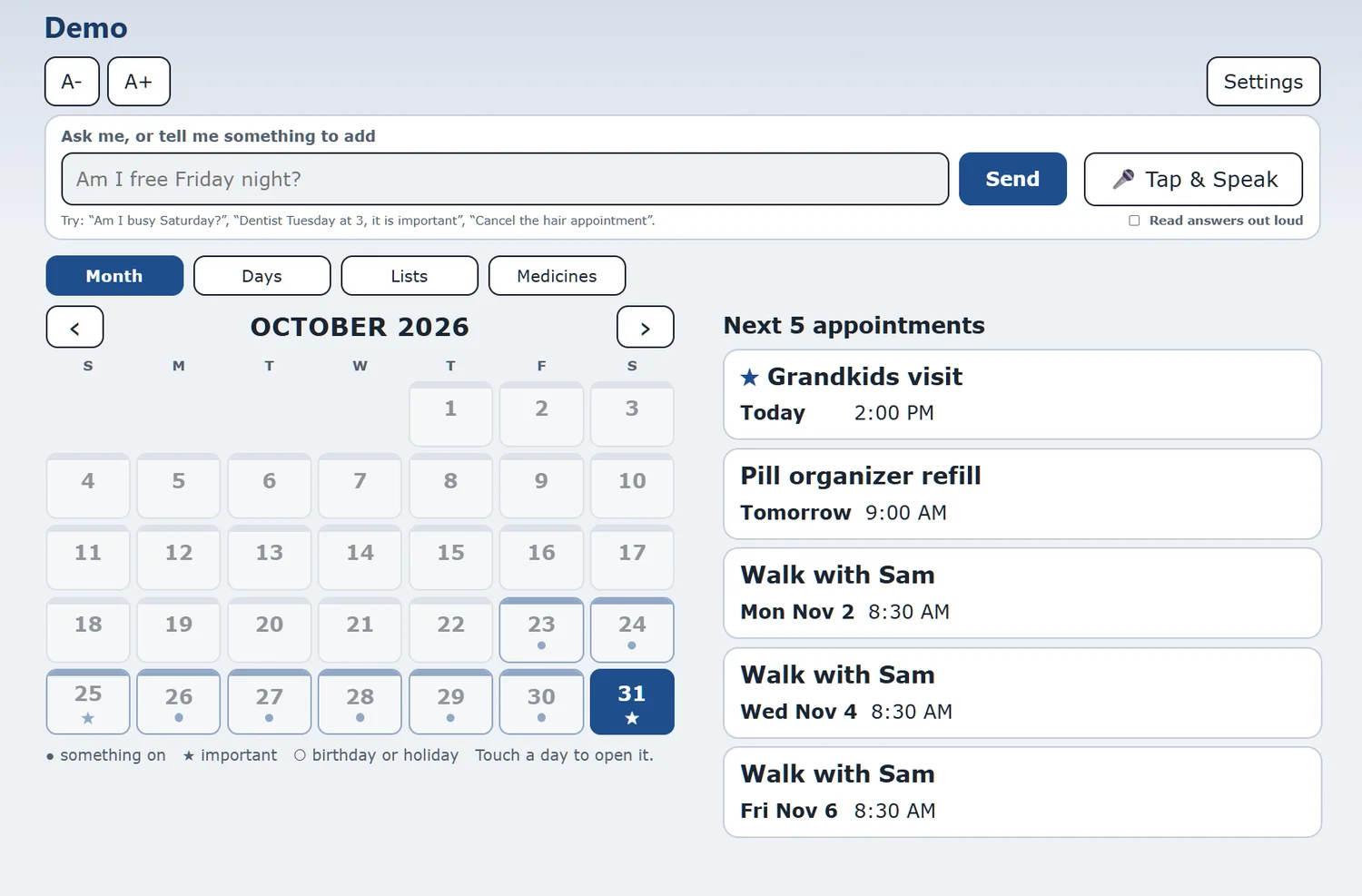
See the month at a glance, with the next appointments beside it. Add something by asking, and the planner shows you what it understood before it saves.
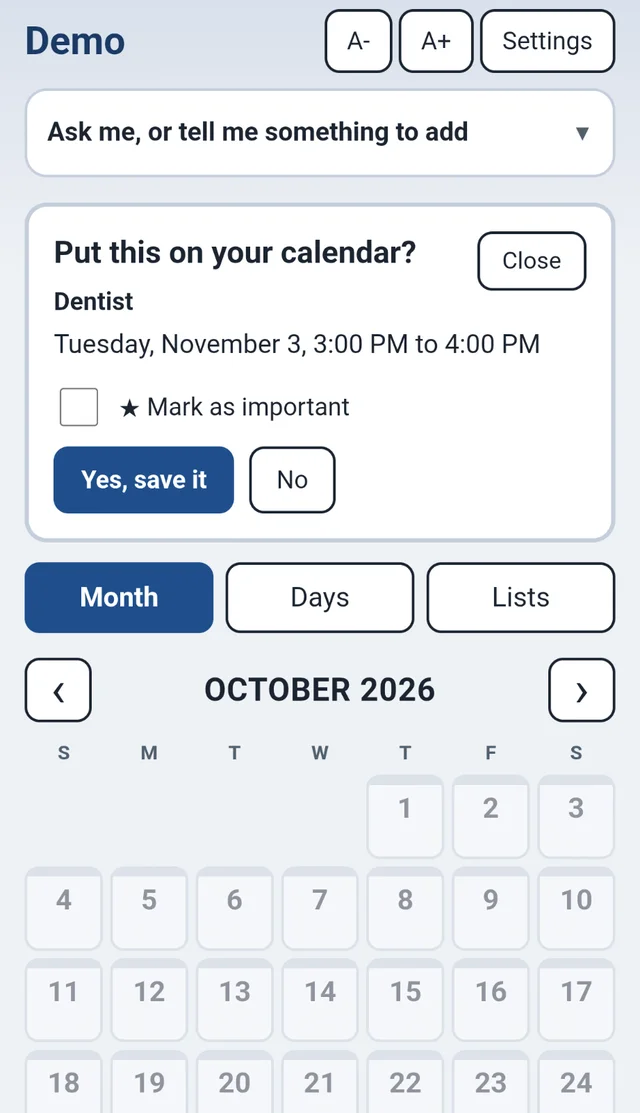
The whole month, and what is next
Days with something on have a dot. Important days have a star. The next few appointments are listed beside the calendar so you never have to hunt for them.
Just say what you need
Type it, or tap Tap & Speak and say it. Here are the kinds of things it understands:
"Am I busy Saturday?"
"Dentist Tuesday at 3, it is important"
"Cancel the hair appointment"
"Add milk and eggs to my list"
Nothing is saved until you press Yes, save it. Mark an appointment as important and it gets a star.
Good to know. Understanding what you type or say uses an AI assistant, with a fair daily limit. The calendar itself, and every button, works without it.
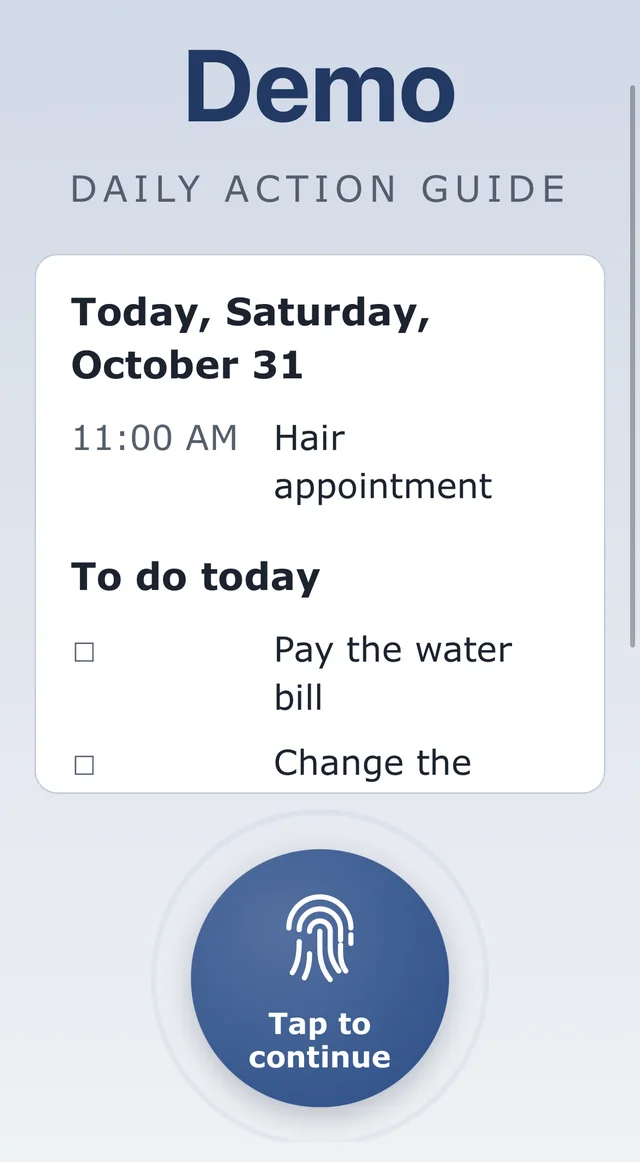
Your morning, in one glance
When you open it for the day, you see today's appointments and today's to-do list first. Tap the big round button to carry on.
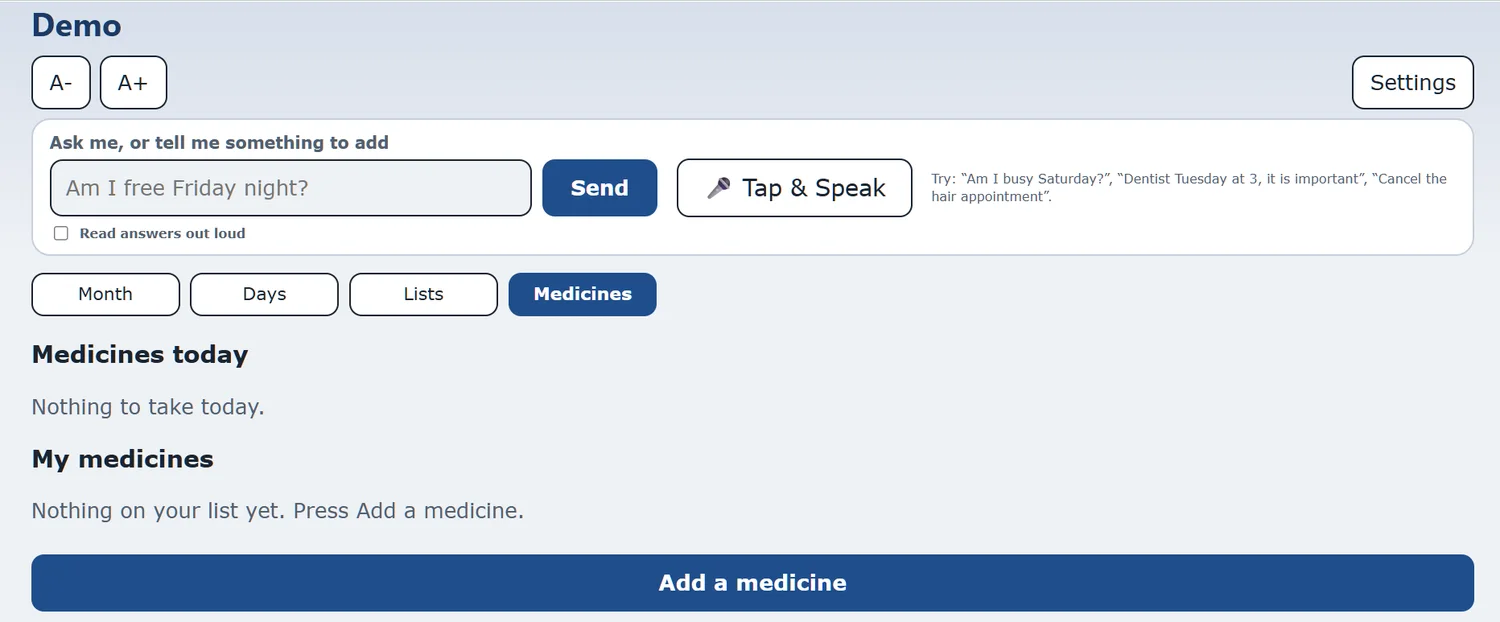
Medicine reminders
Add a medicine, pick the times and days, and the planner reminds you by email or notification. Text message reminders are coming soon.
Please note. This is a reminder you set up yourself. It does not give medical advice and it does not check your doses. Always follow your doctor's instructions.
Easy on the eyes
Text size
A- and A+ at the top of every screen.
Read aloud
Tick "Read answers out loud" and it speaks its answers.
Your own look
Pick a colour scheme in Settings that is easy for you to see.
Works on phone and computer
The same screens, sized to fit.
Ready when you are: start your bundle, or try the demo (call (609) 928-7300 for a code).